
Reinstalling the Close app
If you need to reinstall your Close desktop app, please follow the instructions below as simply moving the Close app into the trash isn’t sufficient for thorough reinstall.
The difference between following these instructions and just dragging an application to the trash is that these instructions will clear key files required for a fresh restart, whereas dragging apps to the trash will miss this.
No Close data will be lost during this process.
Clearing cookie/session/cache data
Note: this will log you out of Close. No data will be lost.
-
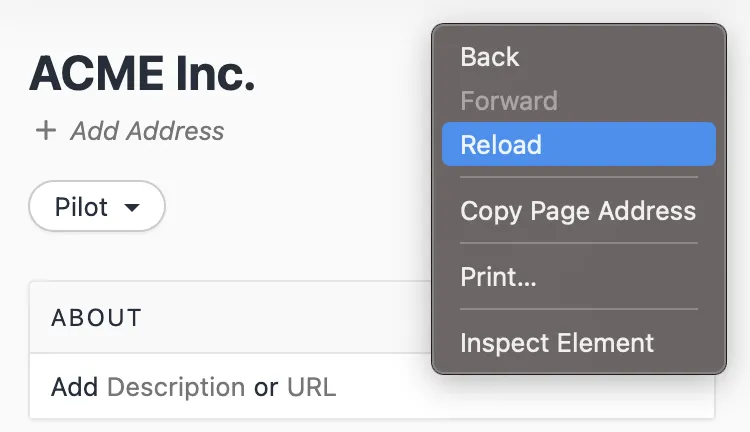
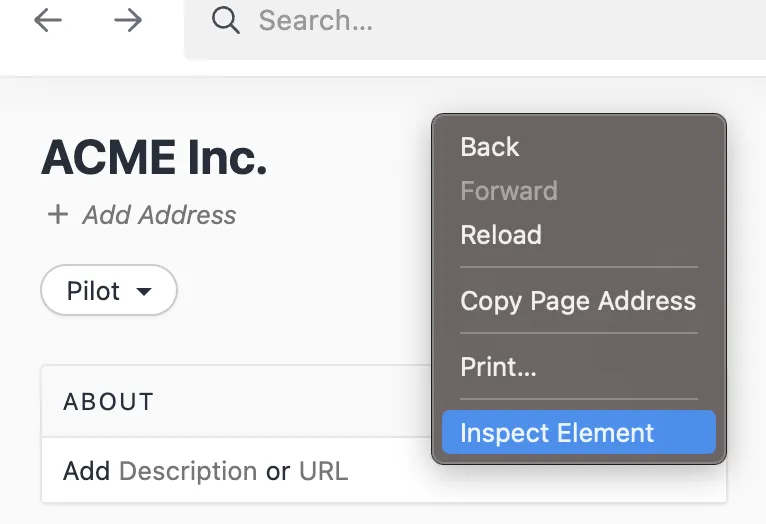
Right-click in the Close app and select Inspect Element
-
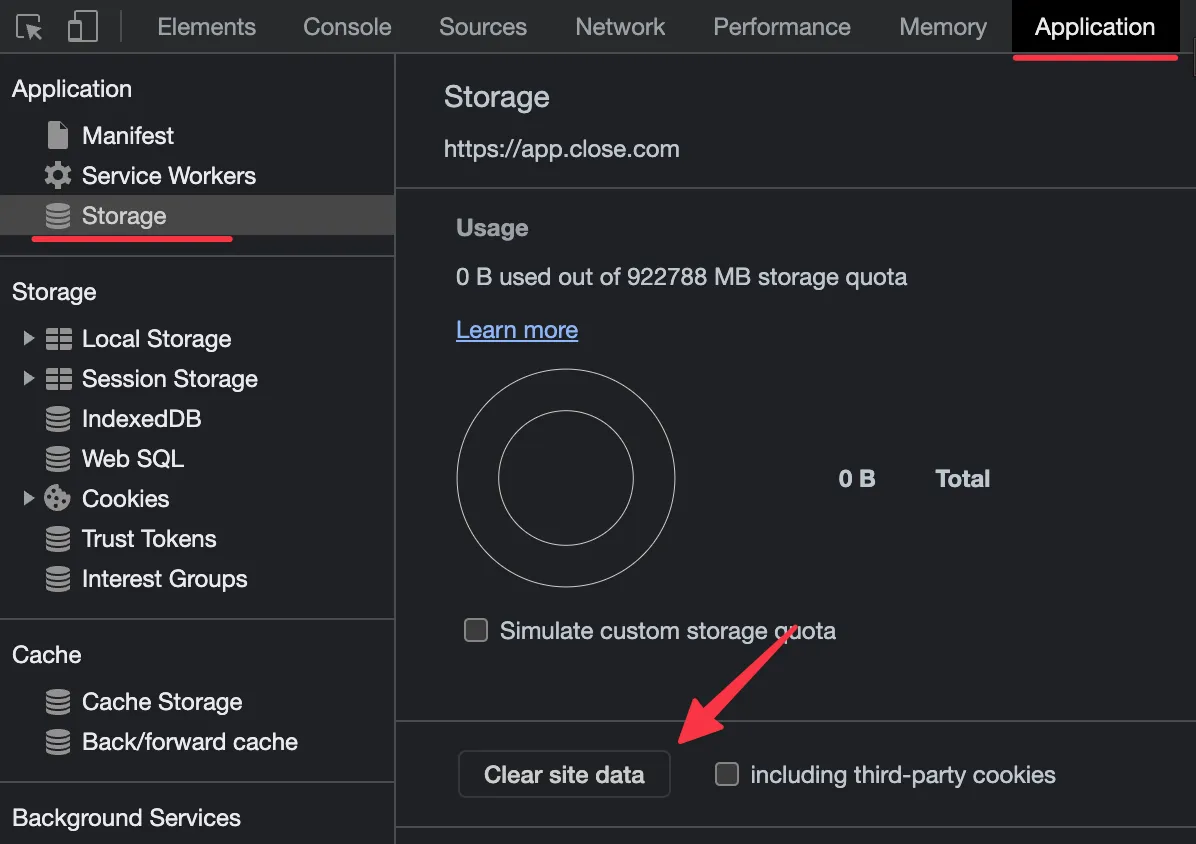
Tab over to the Application tab, select Storage, and then click Clear site data
-
Right-click and press Reload to refresh Close