

Clearing the Configuration File
Clearing configuration file
Mac
-
In the Close Application Menu open Develop > Open Config/Log folder
-
Quit the Close app
-
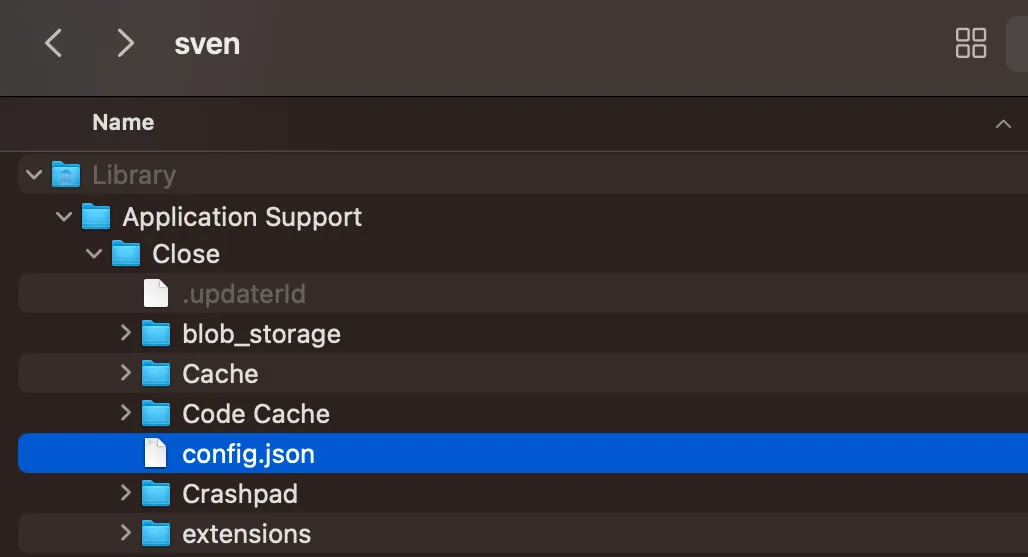
Copy the config.json file over to your Desktop so you can send it over to support@close.com for debugging
-
Delete the config.json file from this Close folder
-
Re-open your Close app
Windows
-
In the Close Application Menu open Develop > Open Config/Log folder
-
Quit the Close app
-
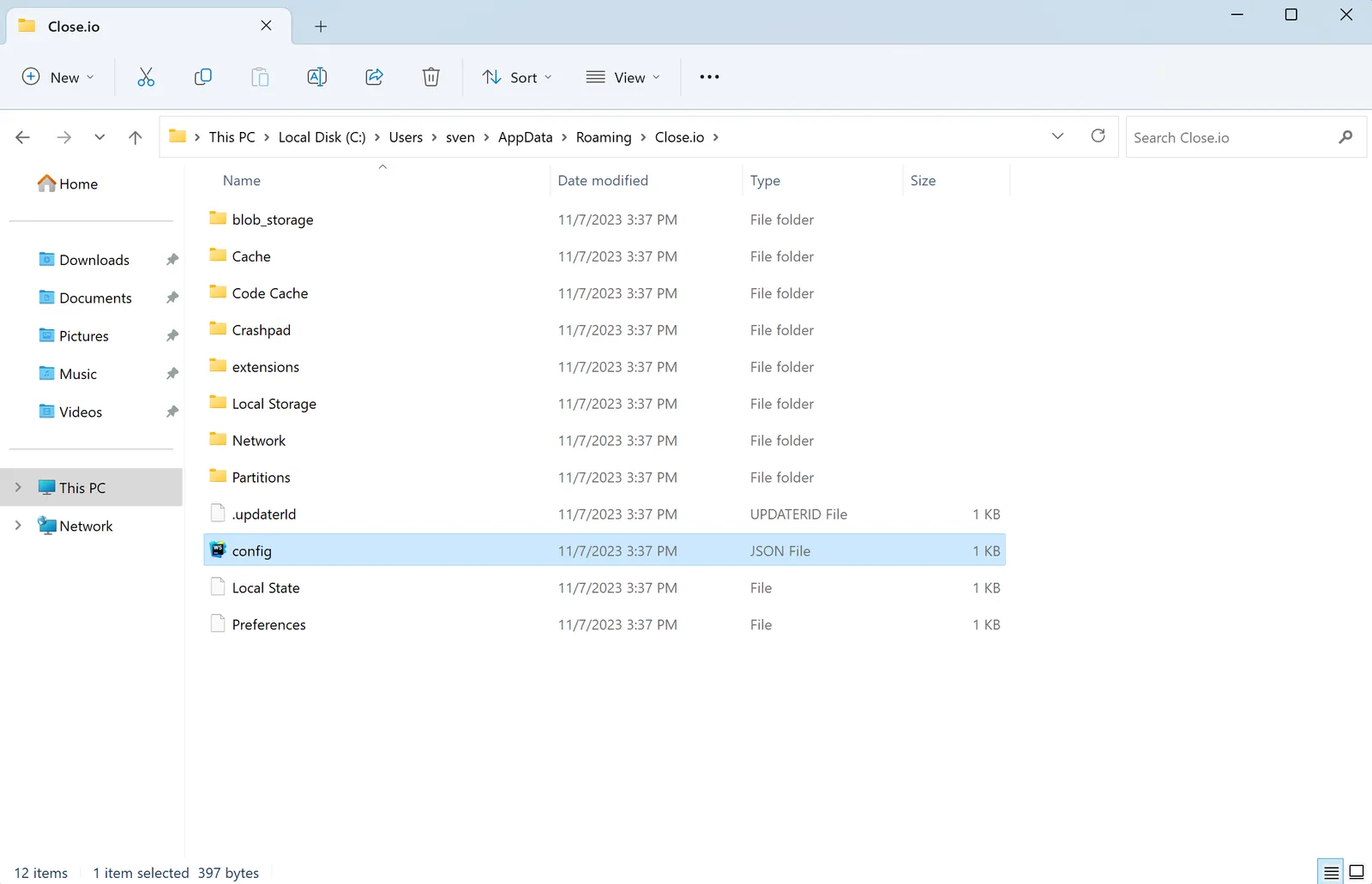
Copy the config.json file over to your Desktop so you can send it over to support@close.com for debugging
-
Delete the config.json file from this Close.io folder
-
Re-open your Close app