You can open Close directly in the Desktop app from links you share in email, Slack, docs, or other tools by using deep links.
Who can use this
Any Close user with the Desktop app installed and updated in macOS or Windows.
Option 1: Open web links in the Desktop app
If you prefer to keep using normal https links, you can tell Close to open them in the Desktop app.
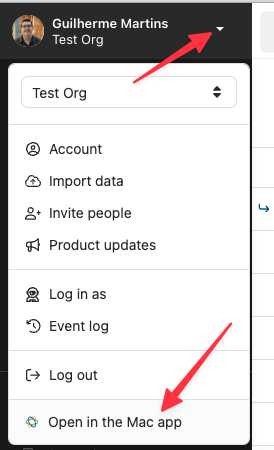
- In the Close web app, open the account menu
- Click Open in Mac/Windows App
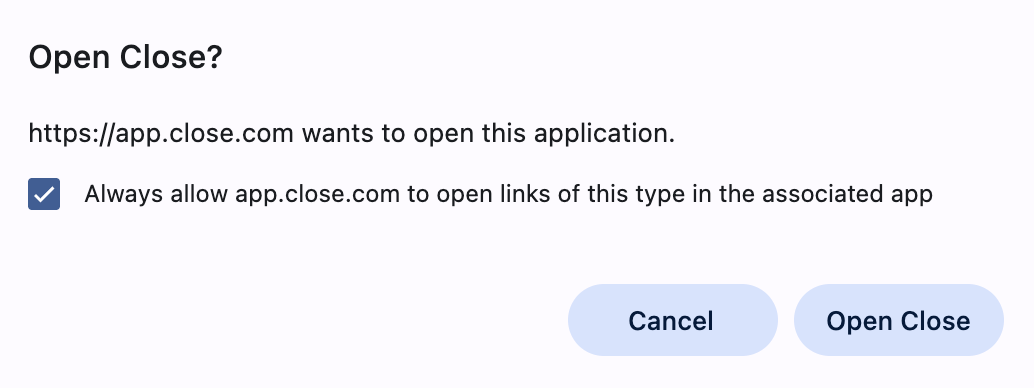
Ensure to check 'Always allow app.close.com to open links of this type in the associated app'.
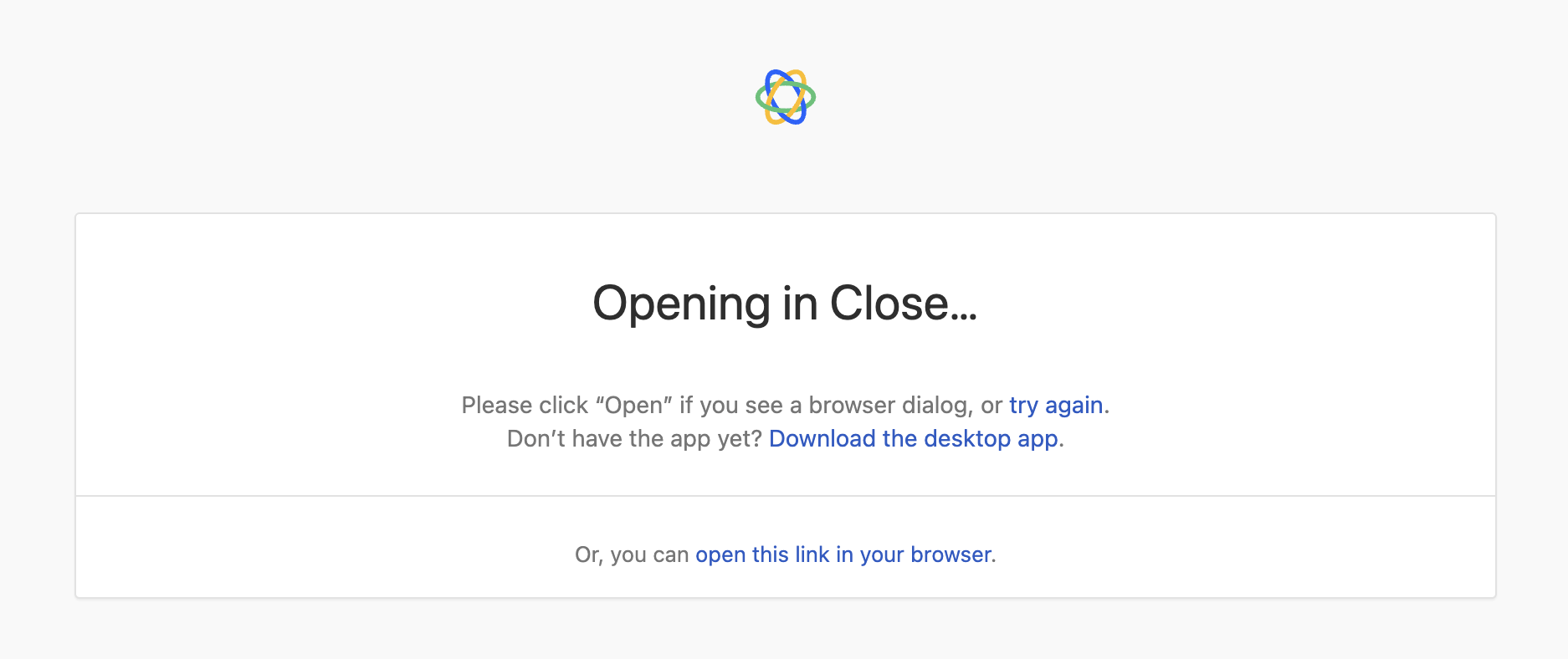
After you enable this, clicking app.close.com links in your browser will redirect into the Desktop app. Some browsers may leave a blank tab or a redirect screen.
Option 2: Use closeio:// links
Turn any standard Close URL into a deep link by replacing https:// with closeio://.
Examples (please replace the LEAD_ID and CONTACT_ID with your own examples):
- Lead:
closeio://app.close.com/lead/LEAD_ID - Contact:
closeio://app.close.com/contact/CONTACT_ID
When a user clicks a closeio:// link, Close Desktop opens directly.
Troubleshooting
Quick tests
- macOS: Open Terminal and run:
open "closeio://app.close.com"
- Windows: Open Run or Command Prompt and run:
start closeio://app.close.com
If your OS prompts you to open Close, the protocol handler is registered and working.
-
Nothing happens when clicking closeio:// links
- Make sure the Close Desktop app is installed and updated
- On managed devices, IT policies may block custom URL schemes. Ask IT to allow the closeio:// protocol for Close
-
Links still open a browser tab first
- That’s expected if you’re using the “Open in Mac/Windows App” setting. Use closeio:// links to avoid the extra tab
-
Opens a new window instead of a new tab
- In some cases the Desktop app may open new windows. You can continue working or manually merge windows into tabs. This behavior is being improved
-
Advanced debugging
- On Desktop, press Shift+Control+, to toggle the Develop menu for tools like the Contexts Editor and Background View devtools
Contact Support with your OS version, Close Desktop version, an example link, and whether https links successfully redirect to the Desktop app